Continuing the discussion from Other transit justice organisations:
Just hit 'reply ’ within a post if you wish to respond particularly to that post, or just the purple Reply to respond to the thread.
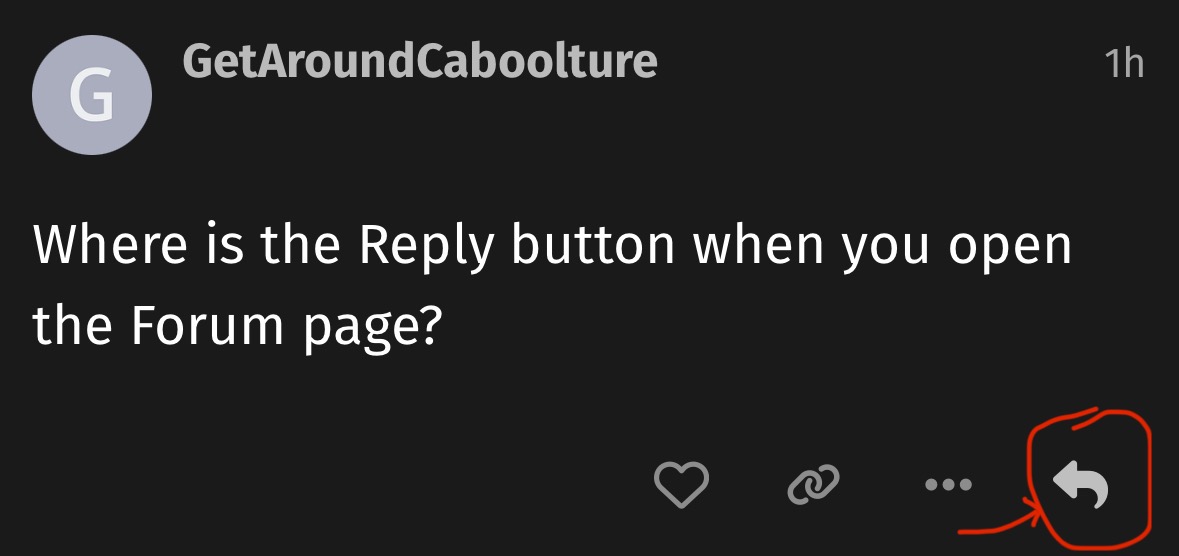
Where is the Reply button when you open the Forum page?
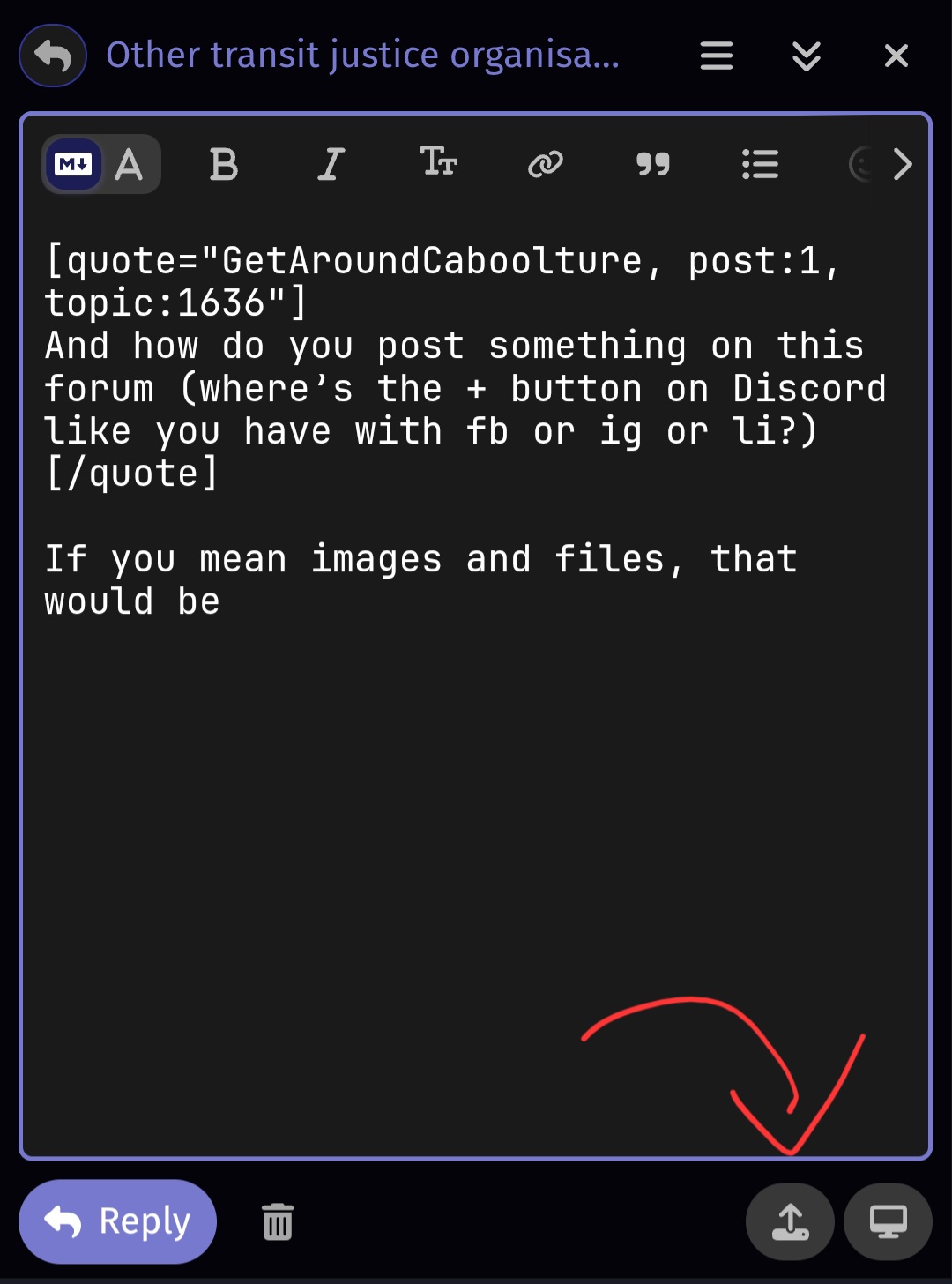
this is what comes up when I open the forum page. I never know where to post to, find the discussion that’s relevant, etc
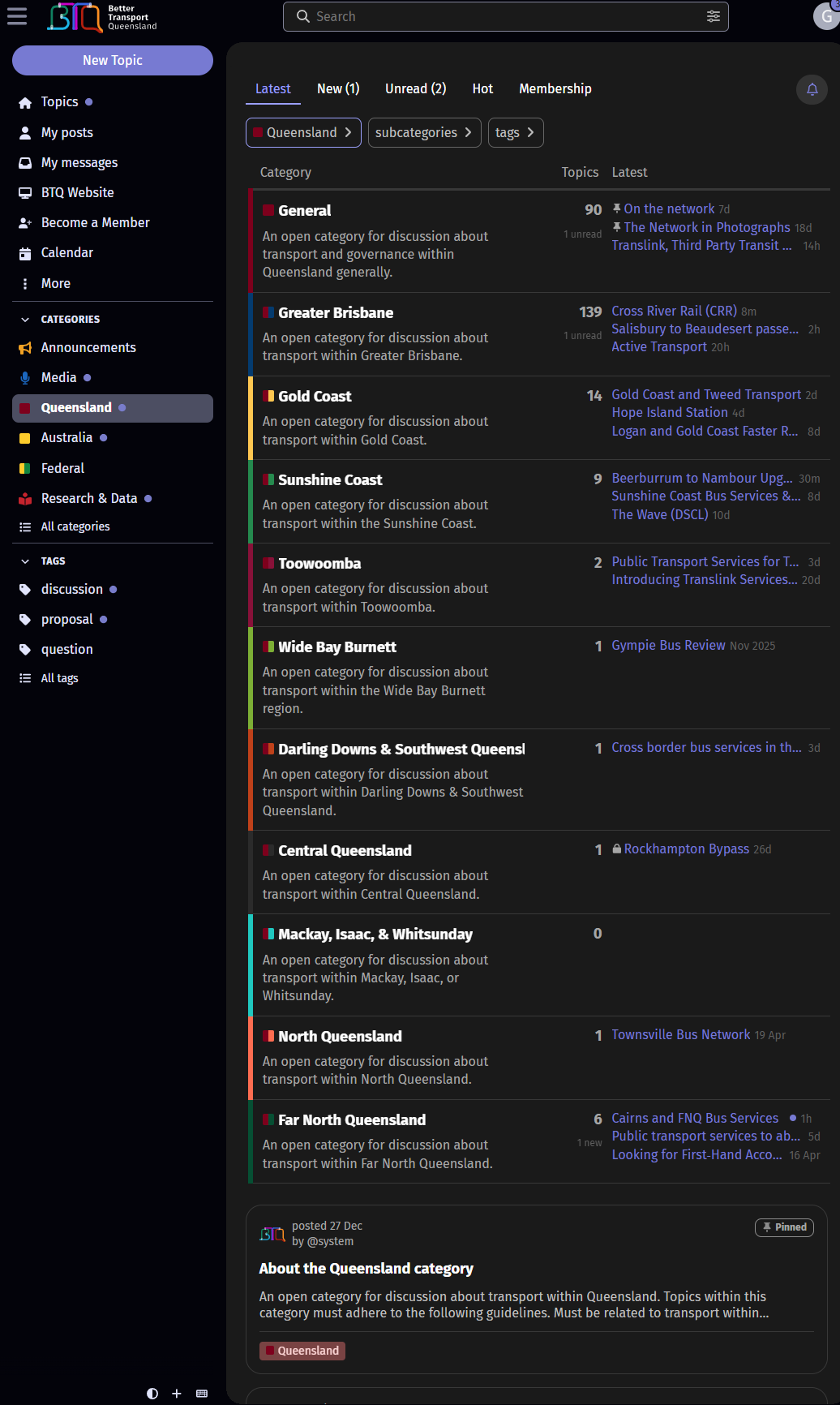
It’s like I have to sift through a hundred conversations to find one, open it, see if it’s the right one, read the previous conversation, click reply, add my post.
Seems a lot of work
It looks like you’re going to the Queensland category page rather than the home page. If you click the ‘Topics’ button near the top left of the page, you’ll be able to see all the categories.
The best way to find a relevant topic is to use the search bar at the top of the screen.
You can also find relevant topics by filtering on tags.
One thing I’ve not been able to figure out with the new forum, is how to view all messages in a reply sub-thread, and then go back to all messages afterward.
I.e. say there are 100x messages in the Olympics thread. Someone has replied to a previous message, you can click the little arrow to view what they’re replying to, and all other messages in that sub-threat. Perfect.
But how do I get back to all messages and previous view? There is often a text/button saying ‘View 18 hidden messages’ which will bring back some more messages. Also, at the top there is ‘View hidden XXX messages’ to bring them all back.
But when the thread gets substantially long, this involves lots of scrolling and loading to get to the top/bottom of the thread again. I end up hitting refresh which takes me back to the most recent unread message.
Curious if there is a less clunky method that I’m missing?
1 Like